Software that runs your production
MasterBuilder
Drawings to
production in
under a day
-
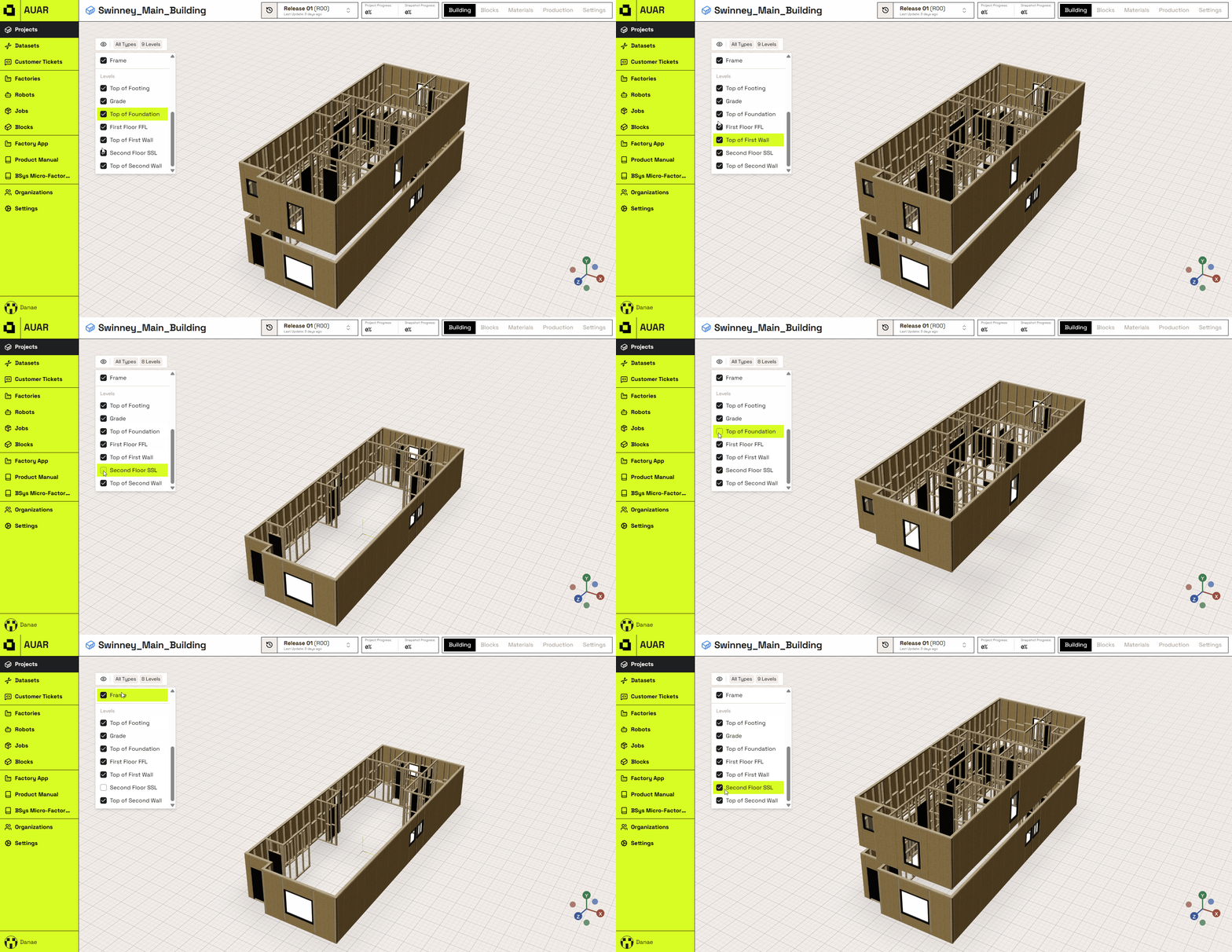
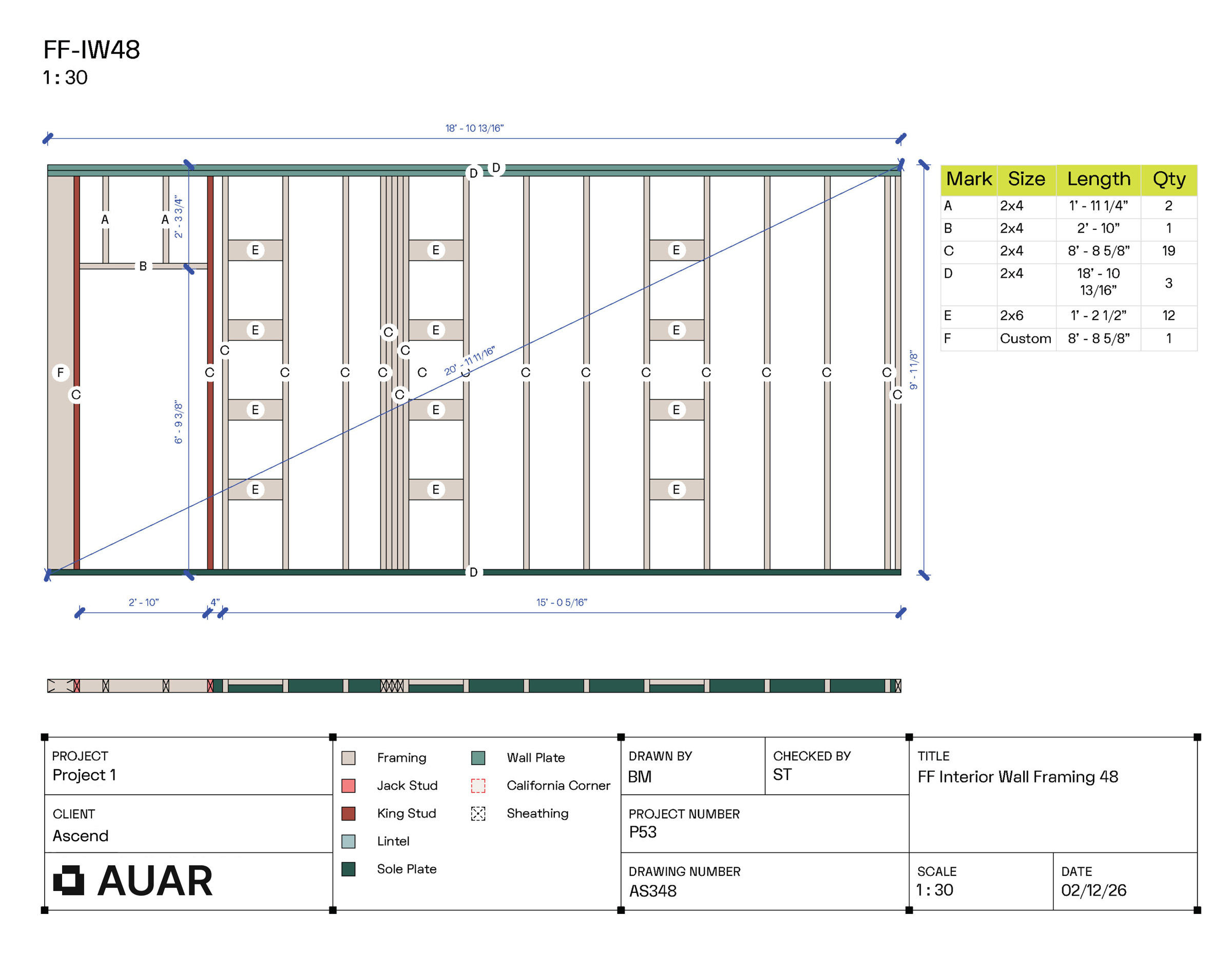
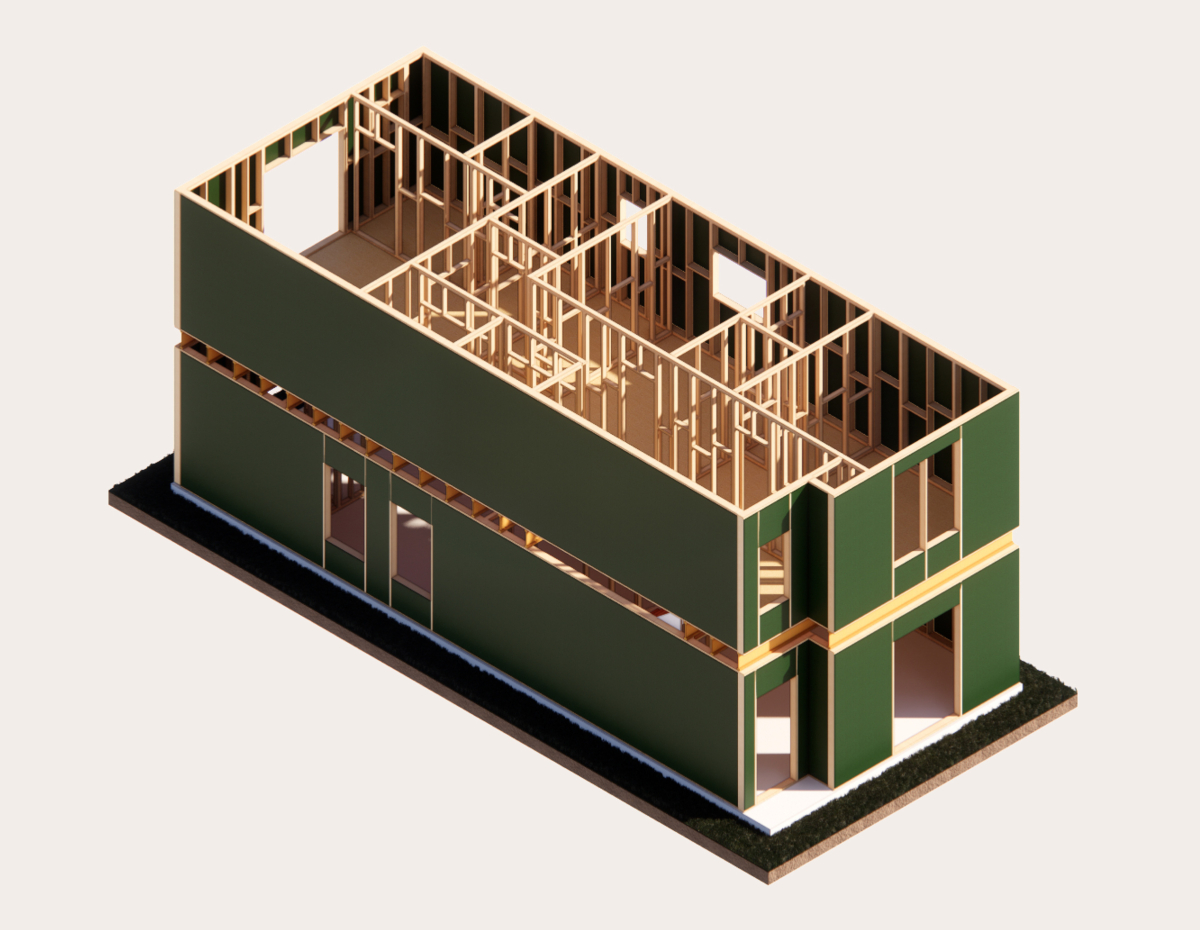
All In A Day MasterBuilder converts your approved plans into data. Panels are grouped into install-ready packs, sequenced for production and on-site assembly.
-
Know The Cost Detailed material take-offs are generated before production starts. See costs upfront and order only what’s required. No waste. No overruns.
-
Digitise Your Catalogue Your existing home plans are digitised, making it easy to update and adapt, and ready to produce without reworking drawings for every project.
How it works
Production software to support your homebuilding
Software that runs your production
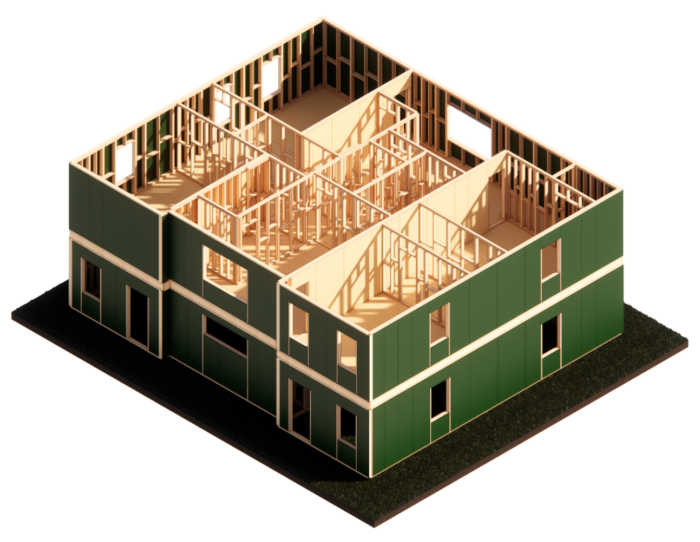
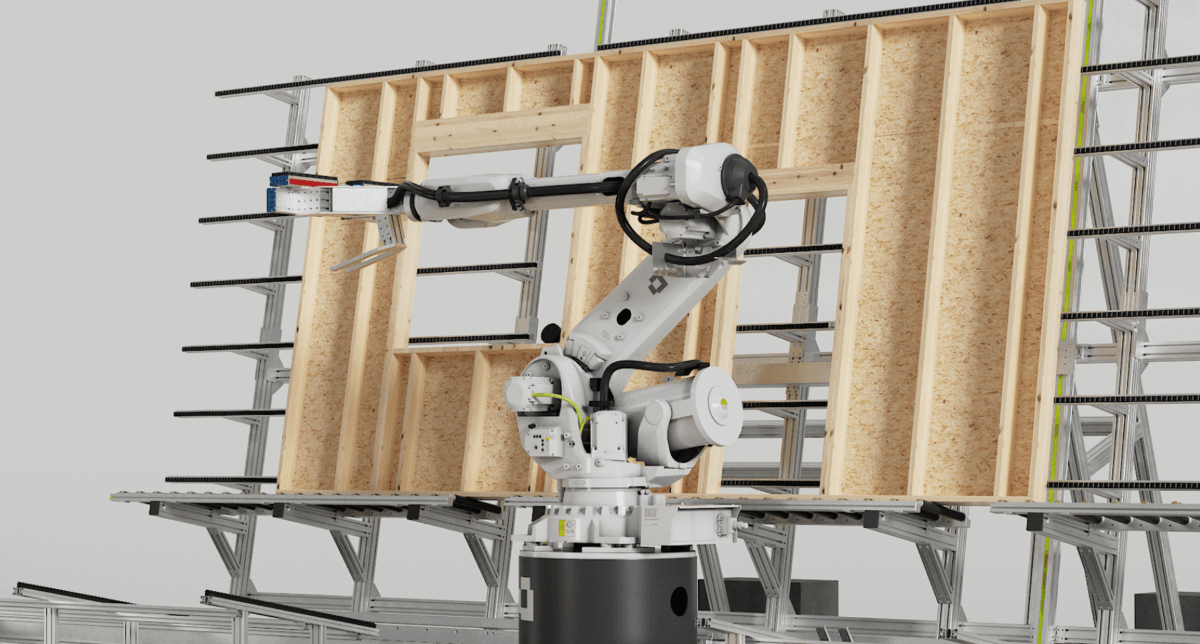
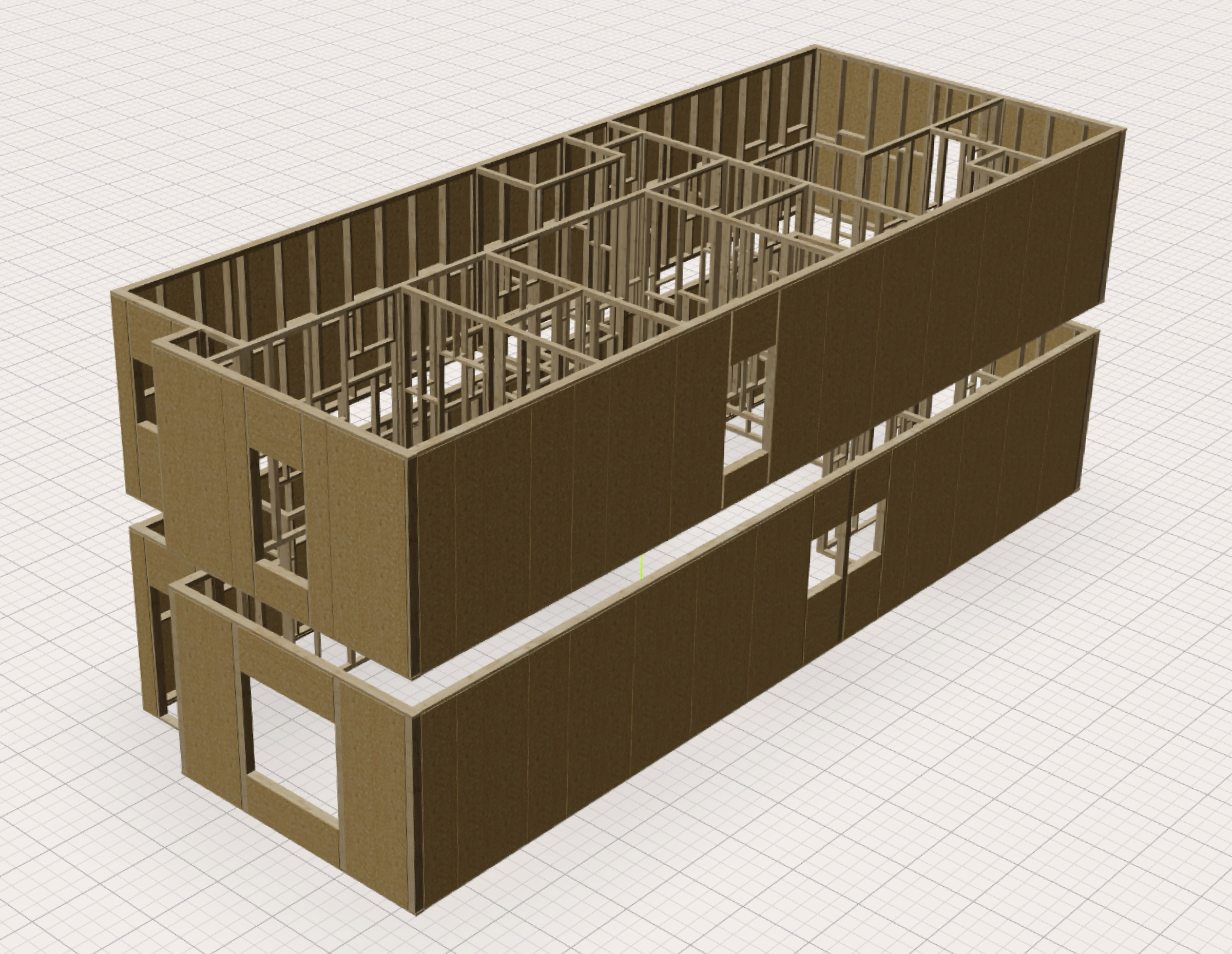
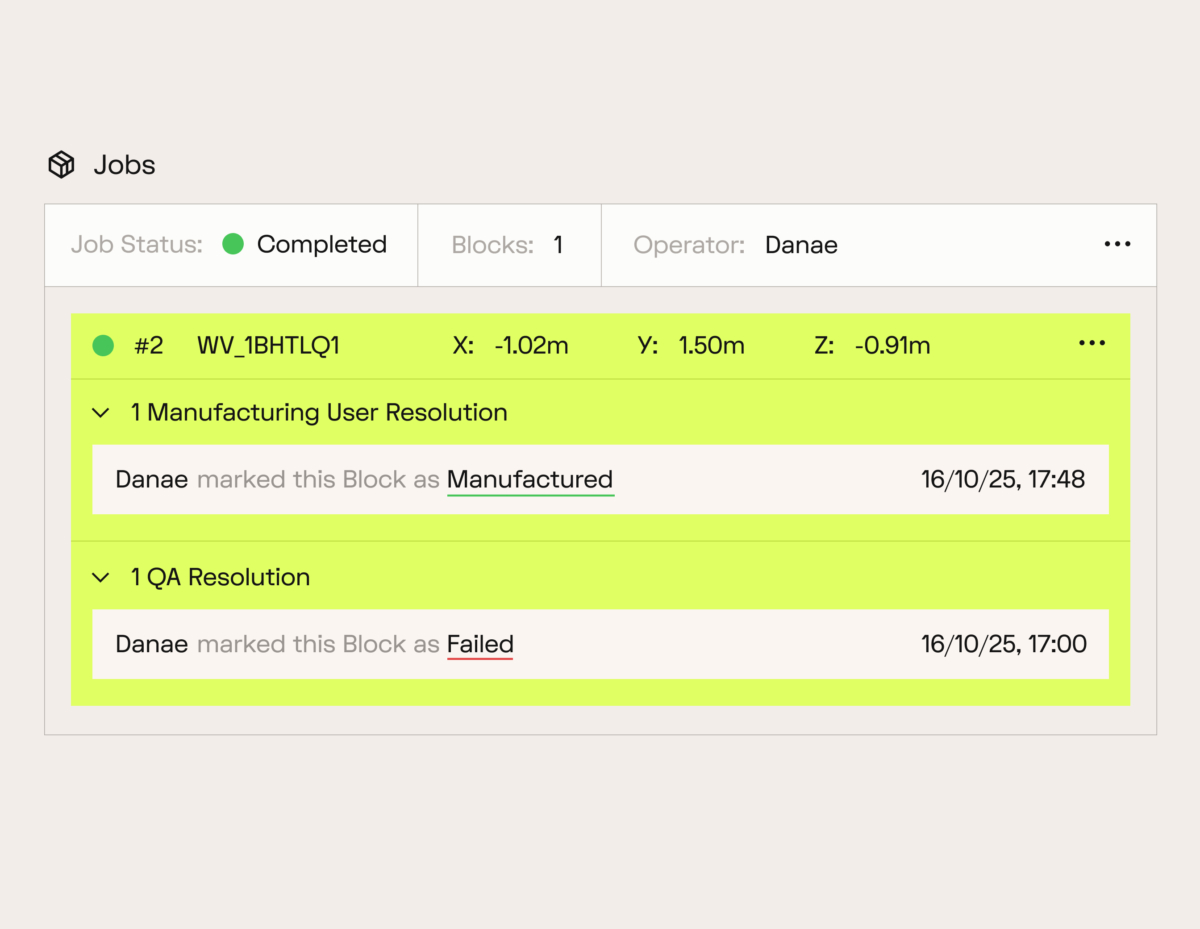
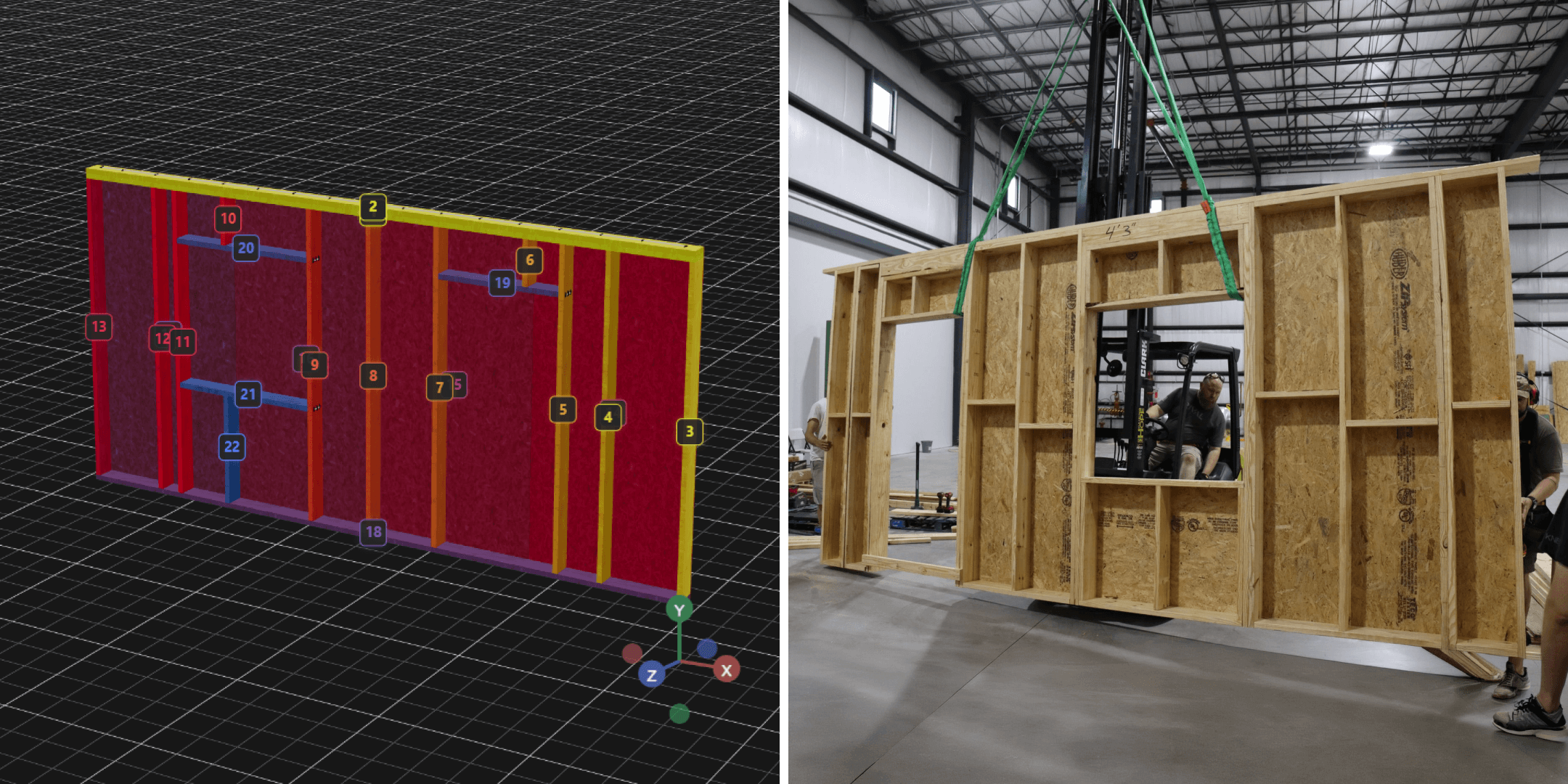
MasterBuilder takes your plans and makes them ready to build. It handles checks, quantities, and production data, then runs the MicroFactory so panels are produced correctly the first time.
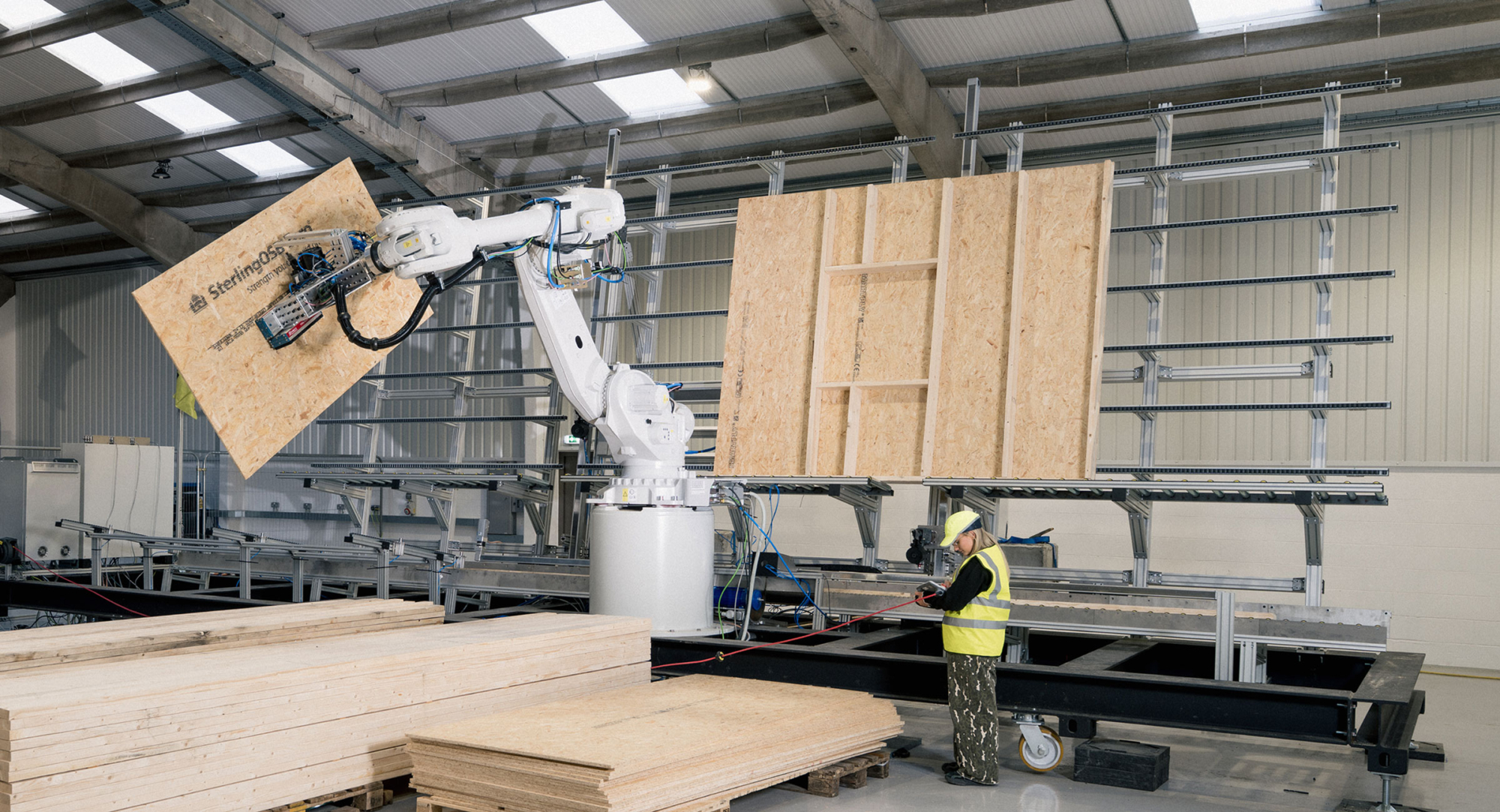
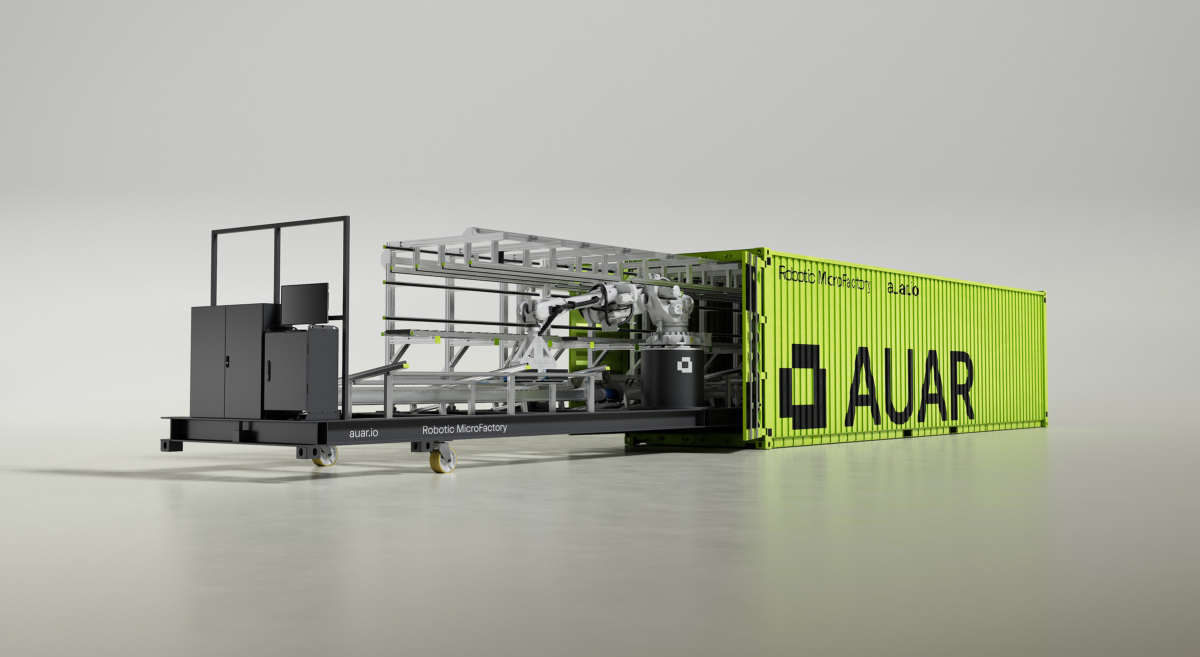
See how it works with MicroFactory
HowitworksHowitworks
FAQs
Have a question? Here’s some frequent ones.
What is MasterBuilder, in plain English?
MasterBuilder is AUAR’s software ‘brain’. It takes housing designs and turn these into the instructions for the robot.
Is MasterBuilder software, or a service?
MasterBuilder powers production. Homebuilders get access where needed, but AUAR handles setup, preparation, and production — so you don’t need to run new software or teams.
What does MasterBuilder do?
Three things, all included in the MicroFactory usage fee:
Design-to-production automation:
Your designs are automatically converted into production-ready data with repeatable rules. This means no manual reworking or re-detailing is required.
Materials, quantities, and cost visibility:
Accurate material take-offs and cost information are generated upfront, so you can price, order, and plan with confidence, without having to do a separate spreadsheet exercise.
Production planning and execution:
Production is scheduled, sequenced, and managed using the same data that drives the MicroFactory on site.
What do we need to give you to get started?
Your existing designs (drawings or 3D models), and any available spec standards or details.
What outputs do we get back?
You get a consistent, build-ready package. That usually includes framing layouts, material take-offs, production-ready part or panel definitions, and export files such as IFC for coordination and downstream workflows.
How fast is “under <1 day” really?
For a typical home. It can be turned around in under a day once the setup are in place. First-time setup for a new customer takes longer because we align standards, constraints, and outputs.
Can MasterBuilder work with our existing tools (Revit, other systems, ERP)?
Yes, via a simple connection layer.
How is MasterBuilder priced?
Price is tied to production usage and part of a broader AUAR deployment.
What does MasterBuilder not do yet?
It does not currently replace your full structural engineering workflow or automatically solve every real‑world constraint end‑to‑end.